1
Account Setup
Your Svashasan Account is the command center for your vehicle. Before taking delivery or starting your first drive, ensure your profile is complete.
- Download the Svashasan App
- Add Payment Method for Charging
- Upload Driver's License Documents
2
Keys & Access
Your phone is your primary key. Using Bluetooth Low Energy (BLE), your vehicle detects you as you approach and automatically unlocks.
Setting up Phone Key
Open the App > Controls > Locks > Set Up Phone Key. Ensure Bluetooth is always enabled.
Note: Always carry your backup NFC Card provided in the glovebox.

3
Autopilot & Safety
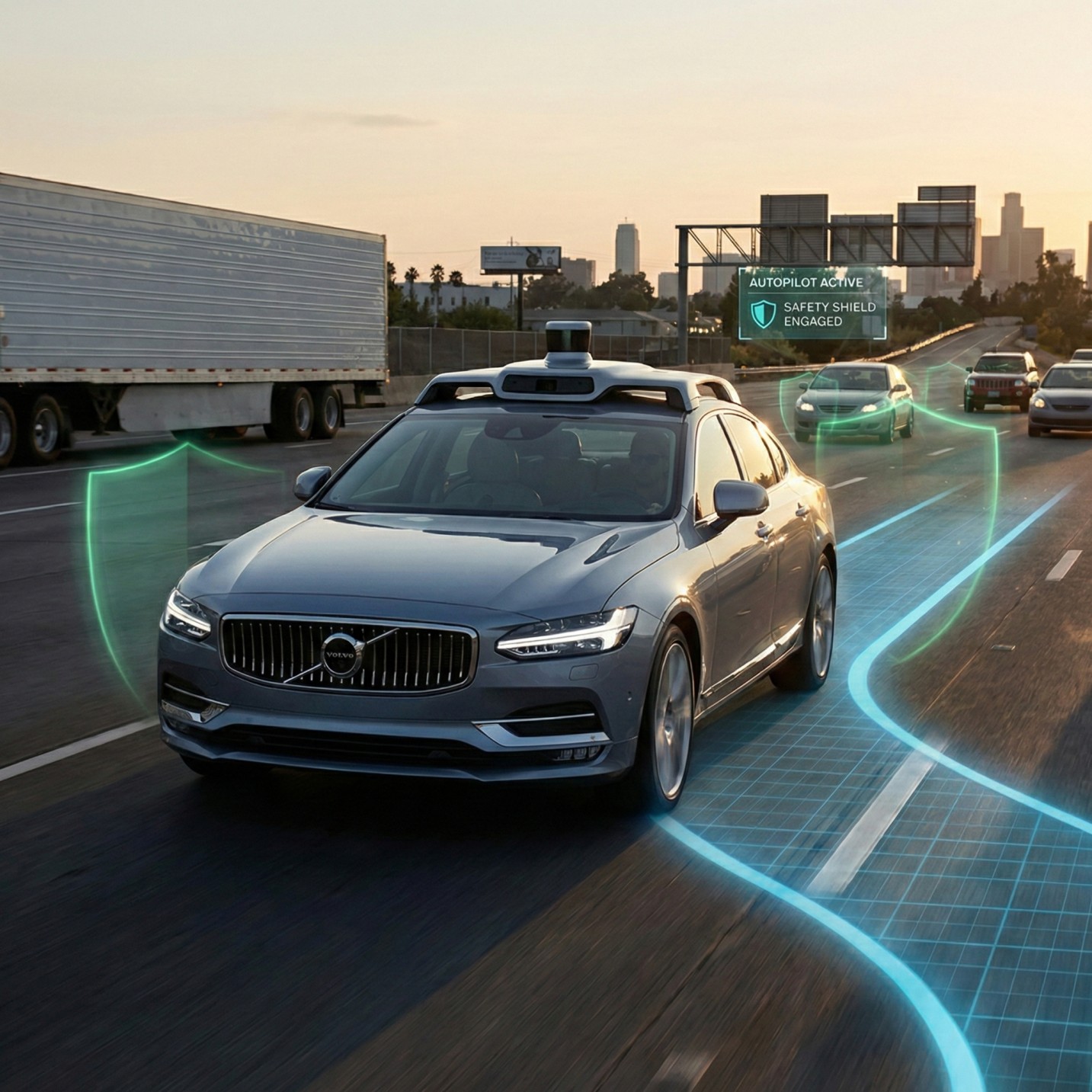
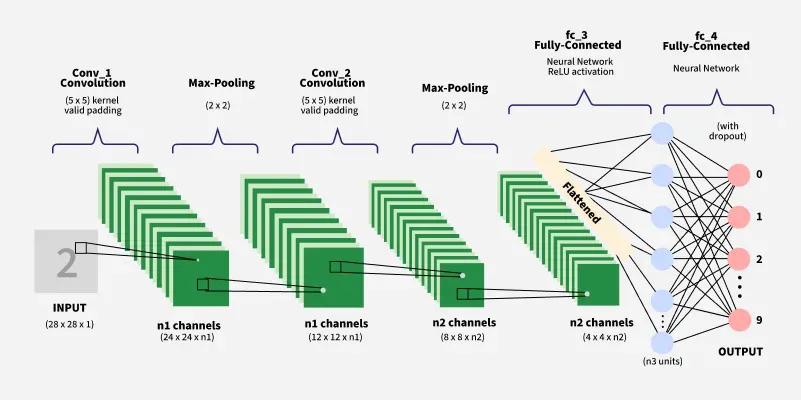
Svashasan OS is powered by our advanced Supervised Learning models. Before engaging Autopilot, familiarize yourself with the limitations.
- Calibrate cameras by driving 20-50km on marked roads.
- Double pull the gear stalk to engage Traffic-Aware Cruise Control.
- Keep hands on the wheel at all times.